


You are managing accounting, inventory tracking, purchase orders, and sales orders across disconnected tools. Sage 100 unifies these workflows in one ERP system. Whether you are using Sage Partner Cloud or an on-premises setup, this financial and operational platform adapts to your business needs as you grow.
Get a Sage 100 roadmap within 24 hours. No sales pitch or obligation.


Sage 100 is a robust ERP software platform that handles accounting, payroll, inventory management, fixed assets, financial reports, purchase orders, and sales order workflows. It evolved from Sage MAS and now supports modern connected cloud capabilities via Sage Partner Cloud.
With customization services, support for multiple companies, and optional third-party add-ons like Sage CRM and Visual Integrator, Sage 100 fits diverse business needs.
When exporting spreadsheets and manual reconciliation become daily tasks, it’s time to consider an ERP system. Sage 100 provides deeper functionality, improved data accuracy, and streamlined workflows for businesses that outgrow entry-level accounting. With built-in cash management and scalable features, it supports scalable growth without starting from scratch.
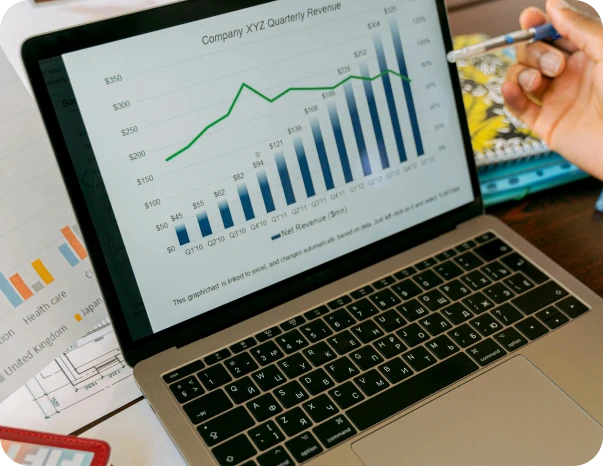

With Sage 100, accounts payable and accounts receivable, general ledger, cash management, bank reconciliation, and credit card processing all live in one system. Hard to trust reports become reliable data that supports your financial decisions and speeds up month-end close.

Inventory management, sales order processing, purchase order workflows, return merchandise authorization, and custom office features are integrated into Sage 100 modules. Operations teams spend less time fixing errors and more time supporting customers.

Crystal reports and dashboards bring finance and operations together. Role-based user interface access ensures the right people see the right data at the right time. Workflow visibility makes business decisions faster and more accurate.
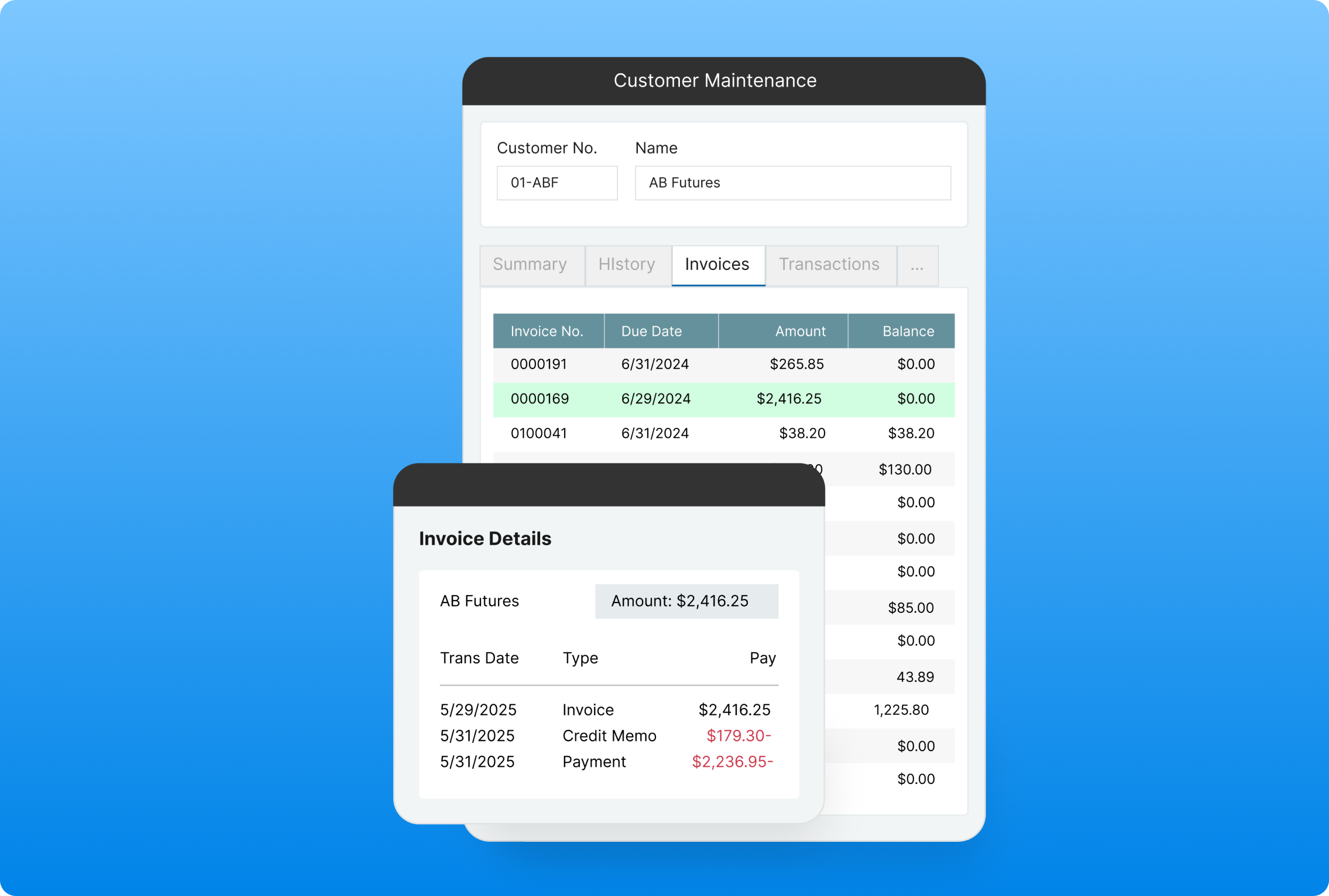
Sage 100 supports multi-company general ledger, streamlined AR/AP, Microsoft integrations, and secure credit card processing. The system is built for financial teams who demand consistency and accuracy across modules.
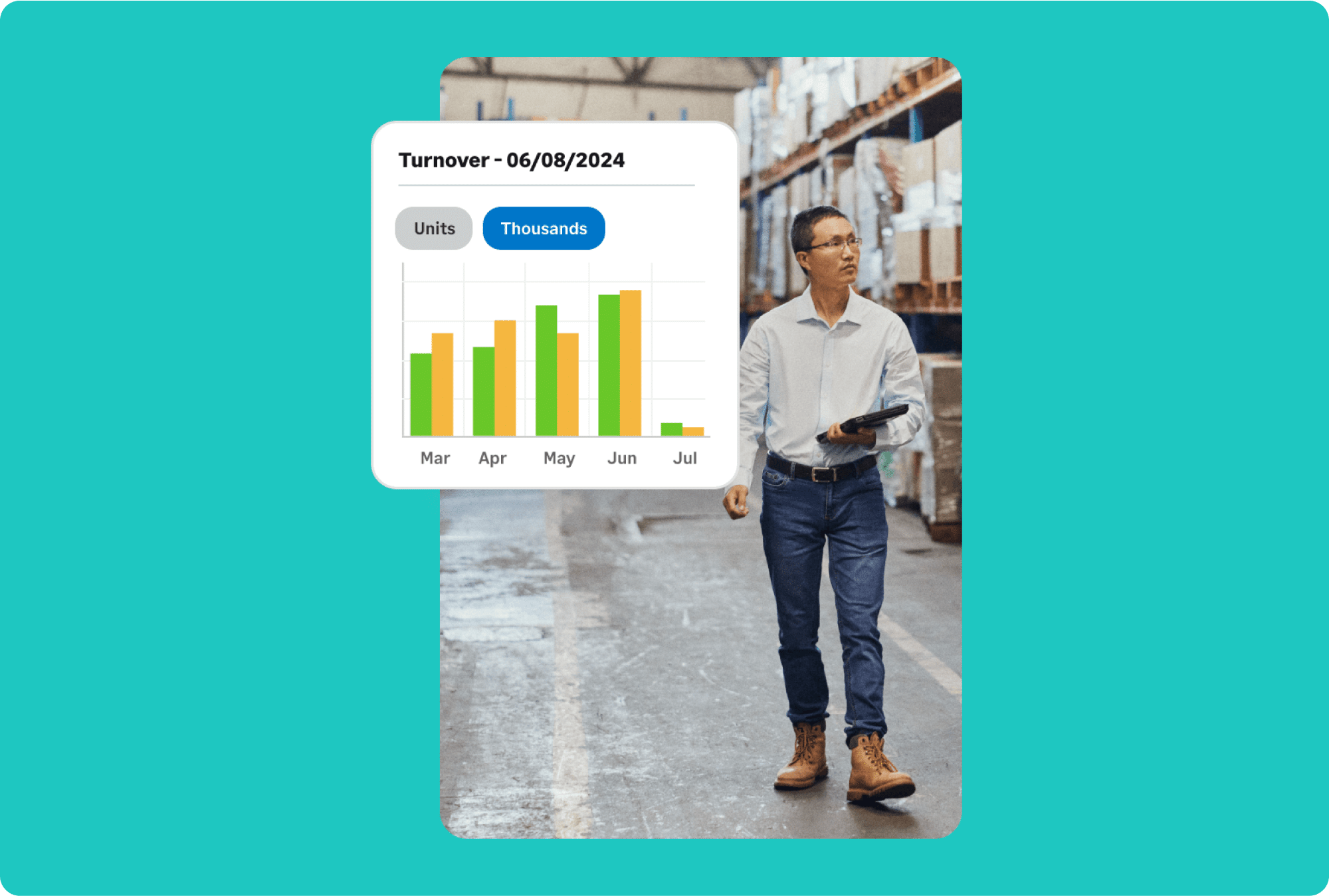
Gain control over item pricing, barcode scanning, warehouse locations, reorder thresholds, and reporting. Add tools like Visual Integrator or Sage Intacct to streamline data flow and scale warehouse operations.
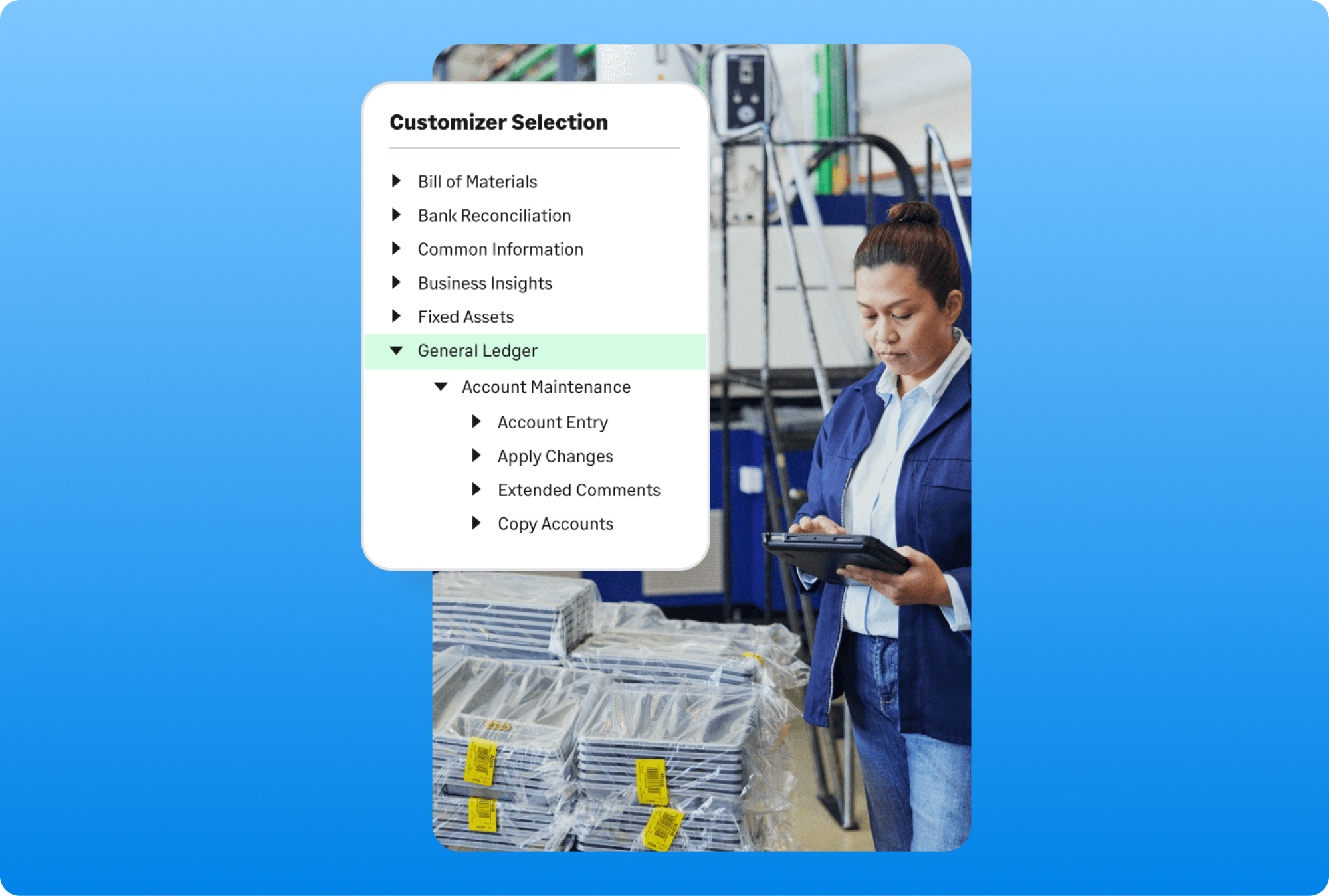
Customization services allow you to tailor Sage 100 to unique business needs. Add Sage CRM, Sage Fixed Assets, or industry-specific modules. Choose Sage Partner Cloud for connected access or deploy on-premises for local control.

Since 1985, BCS ProSoft has been a trusted Sage partner, supporting hundreds of Sage implementations. We guide clients through business process discovery, data migration planning, customization, and training. Our ongoing support ensures Sage 100 continues to deliver the right solutions as your business evolves.
One client started closing books five days faster with Sage 100. Another reduced inventory mismatches by 30 percent in the first quarter. These gains came from clearer workflows and improved reporting.
“Previously, we were running the company based on our experience and hunches; now we run it on real-time facts, making smarter, faster and more strategic decisions.
— Dean Beck, VP & CFO of HJS Packaging & Distribution
Sage 100 is a full-featured ERP and accounting software platform that helps companies manage finances, inventory, purchasing, payroll, reporting, and business intelligence—all from one integrated system. It’s designed for mid-sized businesses and organizations that have outgrown spreadsheets or entry-level systems and now need a more structured, reliable way to manage day-to-day operations. One of the biggest advantages of Sage 100 is its modular structure
This lets businesses implement just the functionality they need now and expand later without disrupting workflows. Companies use it to support internal controls, automate time-consuming tasks, and improve team collaboration. While it’s ideal for small businesses aiming to scale, it’s also powerful enough to support more complex operational demands. It helps organizations build a strong foundation of process discipline, data visibility, and compliance readiness that supports long-term growth.
Sage 100 and QuickBooks serve very different business needs. QuickBooks is often the first system companies adopt when they start out. It’s simple, easy to use, and provides basic accounting functions. But as businesses grow, they often hit a wall. Sage 100 steps in at that point, offering more structure, deeper capabilities, and greater process automation.
It can handle larger transaction volumes, multiple warehouses, complex inventory needs, and industry-specific workflows. In addition to accounting, it offers robust tools for job costing, manufacturing, sales order management, and reporting. It’s also more customizable, making it easier to align the system with your company’s operations. Sage offers implementation flexibility, with options for on-premises or cloud-connected deployments, and integrations with tools like Microsoft 365.
If your team finds itself managing processes outside of QuickBooks or fighting with spreadsheets to close the books, it may be time to evaluate a system that scales with you.
MAS 90 was the original name of Sage 100. Over the years, the product has undergone significant upgrades to meet the needs of modern businesses. While the foundational architecture remains strong, the user interface, functionality, and deployment options have all been updated. The current version of Sage 100 includes cloud connectivity, support for remote teams, and a vastly improved user experience.
It also integrates with other tools like Sage Intelligence, Sage CRM, and Visual Integrator for more advanced reporting and customization. What’s more, businesses can choose from a wide range of optional add-ons to tailor the system to specific workflows or compliance requirements. If your business is still running on MAS 90, you’re missing out on performance, automation, and security improvements that make everyday tasks faster and less error-prone. Upgrading to the modern version can also simplify IT management and reduce long-term maintenance costs.
Yes, Sage 100 is available in a cloud-connected version known as Sage Partner Cloud. It offers the control and depth of an on-premises ERP system, with the flexibility and access of the cloud platform. Businesses can host Sage 100 on their own servers, with a partner-hosted solution, or through a hybrid deployment that blends local and remote access.
This model is especially useful for companies with distributed teams, multiple locations, or remote accounting staff. The connected features in Sage Partner Cloud allow for real-time updates, remote reporting, and integrations with tools like Microsoft 365 and Sage Business Cloud. You get the benefits of the cloud—such as mobility and scalability—without losing the control you may want over system security and updates. Working with a certified Sage partner ensures you can make deployment decisions based on your company’s infrastructure, goals, and compliance needs.
Sage 100 is a robust ERP system that connects accounting, inventory, sales, purchasing, and reporting within a centralized platform. It’s used by businesses that need to improve accuracy, increase efficiency, and reduce manual effort across departments. For finance teams, Sage 100 simplifies the chart of accounts, automates recurring journal entries, manages multi-entity consolidations, and offers customizable dashboards and reports.
For operations and inventory, Sage 100 includes powerful warehouse management tools, real-time tracking, and purchasing workflows that reduce stockouts and overstocking. Its integrated reporting system provides leadership with clear, real-time insight into KPIs and cash flow.
Whether your business is navigating rapid growth or trying to create cleaner, more reliable financial data, Sage 100 offers a scalable foundation. You can align modules to your business goals, adopt new functionality as needed, and integrate third-party tools to create a custom ERP environment. Pricing includes core modules, with options to add advanced features based on your evolving needs.

(855) 980-0072

Schedule a no-pressure call and receive your detailed ERP readiness roadmap within 24 hours. We explain how Sage 100 can improve reporting, reduce manual work, and support your growth.
